
OTP signature and other methods for your customers to sign from mobile devices

Your customer can sign using an OTP code, an ‘I accept’ button or a handwritten signature on screen. We work with you to select the method that best fits your process and issue an evidence certificate for every signature.
OTP
One-time code
3
Signing methods
TES
Evidence certificate
With Aviva, your customer signs via a link received on their mobile phone—for instance during a sales call or an online checkout—without printing or scanning anything.
Your customer can sign during the very call in which your team processes a tariff or an insurance policy, or upon completing an online checkout. Find out how this integrates into your contracting workflow in electronic signature for businesses.
How your customer signs
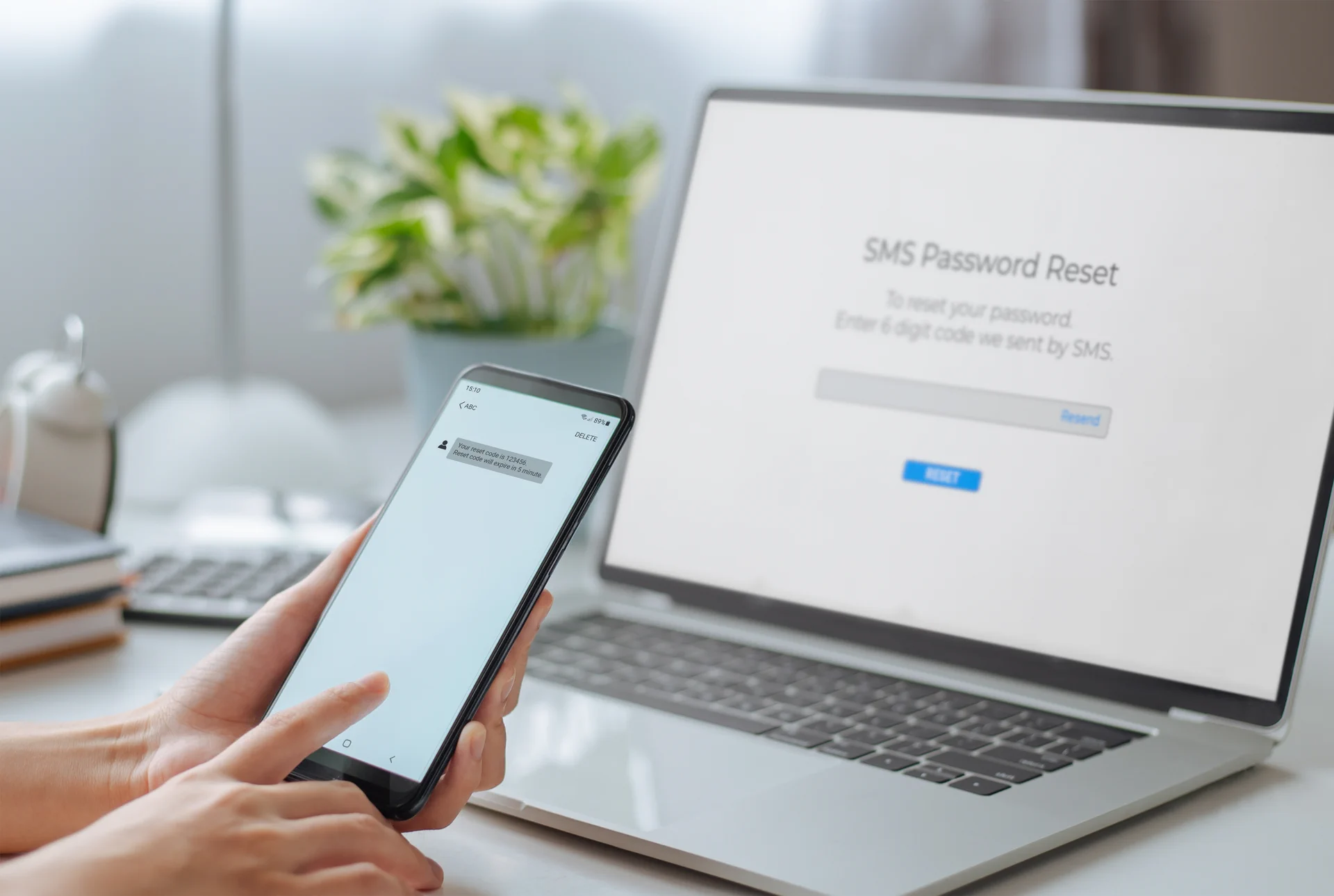
Your customer opens the link we send them, reviews the document, and signs using the agreed method. There is no need to install anything.
Within the same transaction, you can send multiple documents to be signed together or separately, and to multiple signatories, either sequentially or simultaneously.
Each signatory uses the agreed method, and we generate an evidence certificate for whichever method is chosen.
Your team sends the signing link via SMS, email or RCS.
Your customer reviews the document and signs using the agreed method: an OTP code, the ‘I accept’ button or their signature on screen.
We issue the evidence certificate and store it securely in TES alongside the document.
How your customer signs
A method tailored to every process

The method does not alter your team’s workflow; it merely changes how your customer confirms. You can use a single method or combine several depending on the document and the stage of contracting.
Signing with an OTP code
OTP stands for One-Time Password, a single-use code. Your customer receives it via SMS, email or RCS and enters it to confirm the document being signed. It cannot be used to log into online banking or reset passwords.
When should you use this method?
Signing with the ‘I accept’ button
Your customer clicks ‘I accept’ within the document opened via the link. This form of click-based acceptance is also referred to as clickwrap.
When should you use this method?
Handwritten on-screen signature
With biometric drawing, your client draws their signature by hand on their device’s screen—just as they would on paper—and the signature is bound to the document.
When should you use this method?
Your team can configure signature request validity periods, automated reminders, and resends should the client fail to sign in time. The OTP code can also be used to verify mobile numbers or email addresses at the start of remote onboarding.
What data is recorded

Regardless of the method used, we issue an evidence certificate detailing the time stamp, dispatch, delivery and document access, alongside the signature date, time and IP address. This is held in custody in TES for the period specified in your contract.
Connect electronic signatures to your CRM

Trigger signature workflows via API directly from your CRM, ERP, or other platforms, with zero integration fees. We explain the process in electronic signature integration.
OTP signature FAQs

Tell us how your clients sign
Tell us which documents your clients sign, at what point in the journey, and through which channel they receive them. We will recommend the optimal signing method, explain how it connects with your systems, and provide pricing.