
Business messaging via SMS, email, RCS and WhatsApp from a single integration

Send alerts and campaigns via SMS, email, RCS and WhatsApp. We work with you to define which channel each message needs and how to connect it with your operations.
2005
Operator registered with the CNMC
27001
ISO/IEC 27001:2022
4
Channels
With Aviva, you can send appointments, alerts, access codes and campaigns via SMS, email, RCS and WhatsApp from a single integration, using the specific channel each message requires.
Your team tracks the delivery of every send and reviews what happened, rather than evaluating a campaign solely by the number of messages sent.
Confirmations, appointments and alerts

A booking confirmation does not serve the same purpose as a campaign. The content, timing and the response you expect from the customer help determine the right channel.
At Aviva, we work with operational communications such as appointments, meter readings and access codes, in addition to bulk messaging.
Your team can initiate communications from the system they already use.
Choosing multiple channels is not about repeating the same message on all of them.
We plan which message is triggered, who it is aimed at and which alternative is used if the intended channel fails. The journey is defined for your specific process.
Campaigns and communications to the entire customer base.
Appointment confirmations and reminders.
Booking alerts and delivery updates.
One-time codes for private area access.
Meter reading alerts.
Common use cases
How omnichannel works at Aviva
Omnichannel starts by organising your company's messages. We review with you which communications are currently sent, from which application and with what result, and from there we propose the channel for each one.
Your system detects the event that triggers the message, such as a new appointment or a pending payment.
Our platform sends it via the channel agreed for that type of alert.
If the intended channel is unavailable for that customer, the alternative defined in the journey is used.
Your team checks the status of each send from their own tool.
Then we prepare the delivery step by step
This way, every area of the company works with the same channels and a single integration, instead of hiring a different provider for each one.
Channels and when to use them
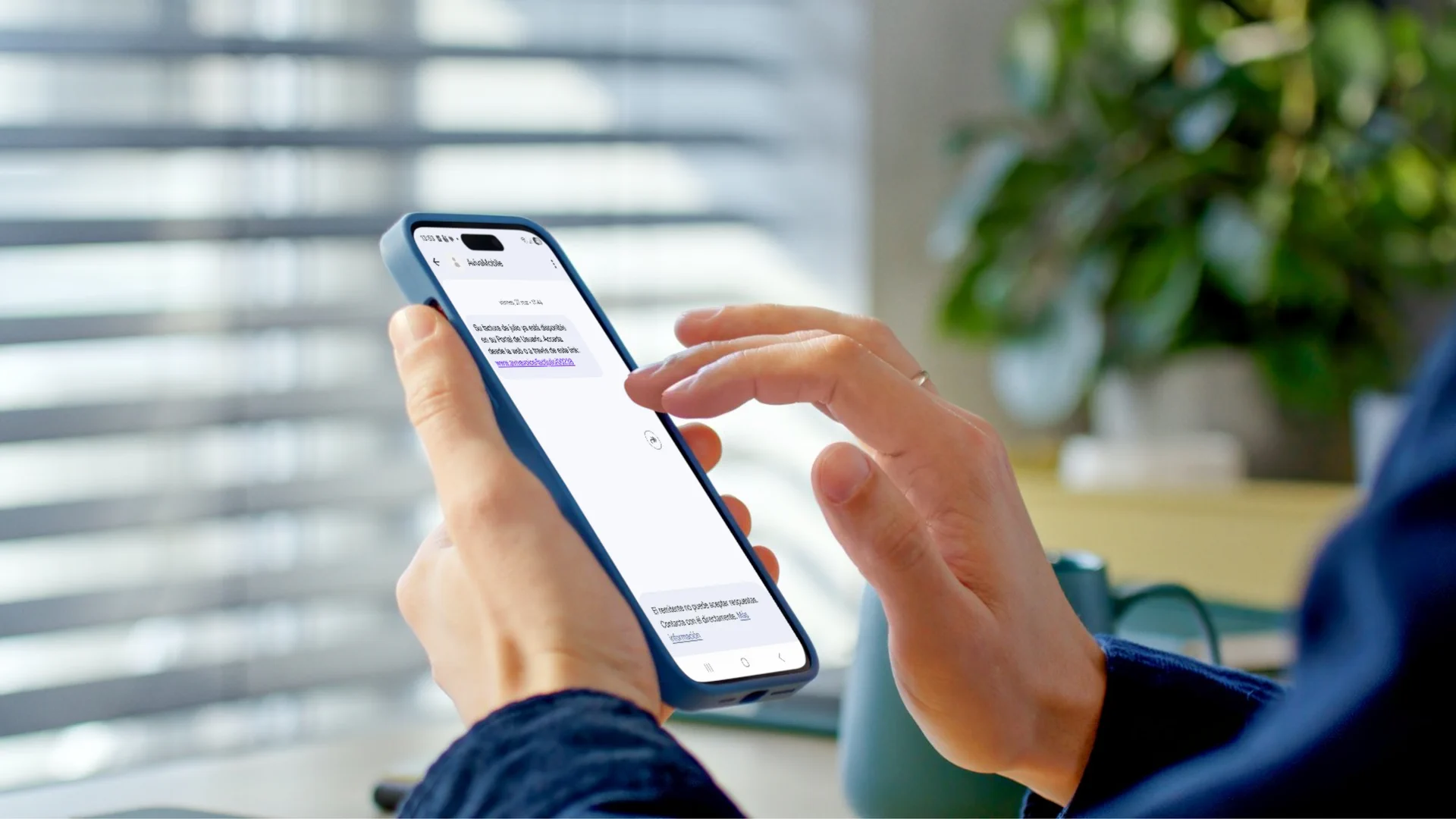
SMS
For brief alerts that need to be read instantly, such as an appointment, an access code or a delivery change, and for sends to many recipients with a delivery log for each message.
When should you use this channel?
For longer information, such as booking confirmations or communications to your entire customer base, sent from the system where you already manage your customers and with tracking for every send.
When should you use this channel?
For alerts and campaigns on the channel your customers already use daily, from a verified business account, connected to your operations and with tracking for every message.
When should you use this channel?
RCS
For messages with images, buttons and your company branding that arrive in the mobile messaging app and allow your customer to respond or confirm without leaving the conversation.
When should you use this channel?
Verified channels and CNMC alias registry

An alert that doesn't show who it's from is ignored or raises suspicions of spoofing. On WhatsApp and RCS, your company writes from a verified account, with its name and branding, so your customer knows who is messaging them. For SMS, the new CNMC alias registry will allow sending with your company name as a verified sender.
Verification reduces the risk of phishing—fake messages that imitate a brand to deceive its customers. When the customer recognises the sender, they open the message with more confidence and respond sooner.
What information your team receives for each send
Every message leaves a record that your company can review. Knowing what was sent and how each delivery ended helps to correct a journey or resend an alert that didn't arrive.
The channel through which the message was sent.
The date and time of the send.
The recipient.
The delivery status returned by each channel.
What the log records
If an alert requires formal proof before a third party, such as a debt claim or a contract change, it should be sent as a certified communication.
API Connection

Your team connects the sends via API with their CRM, ERP or whichever platform they use, and we do not charge for the integration. We work with you to define which data triggers the communication and which statuses you need to monitor.
Before going into production, you can test the sends in our sandbox environment.
A standard integration is usually ready in about 15 days, depending on your team's pace, and our technical team supports you until the sends are working with your actual volume.
CRM and customer service tools.
ERP and order management systems.
Contact centre platforms.
Online shops and booking applications.
In-house developments.
You can connect them, for example, with
A telecommunications operator behind your messages
At Aviva, we are registered with the CNMC as a telecommunications operator and have been sending mobile communications for businesses since 2005.
This gives us our own infrastructure to process high-volume SMS sends. The ISO/IEC 27001:2022 certification, issued by TÜV AUSTRIA, includes in its scope the development and operation of our SMS, RCS and email messaging platform.
Frequently asked questions about channels and omnichannel
Let's talk about your communications
Tell us which alerts or campaigns you send, which system they come from and what your team needs to check afterwards. Based on that, we will propose the combination of channels, how to integrate them and the cost.
Other services
Still not sure?
Certified communications if you need proof, digital signature for acceptance, identification for onboarding and TES for custody.