
Facial recognition with liveness detection to verify identities
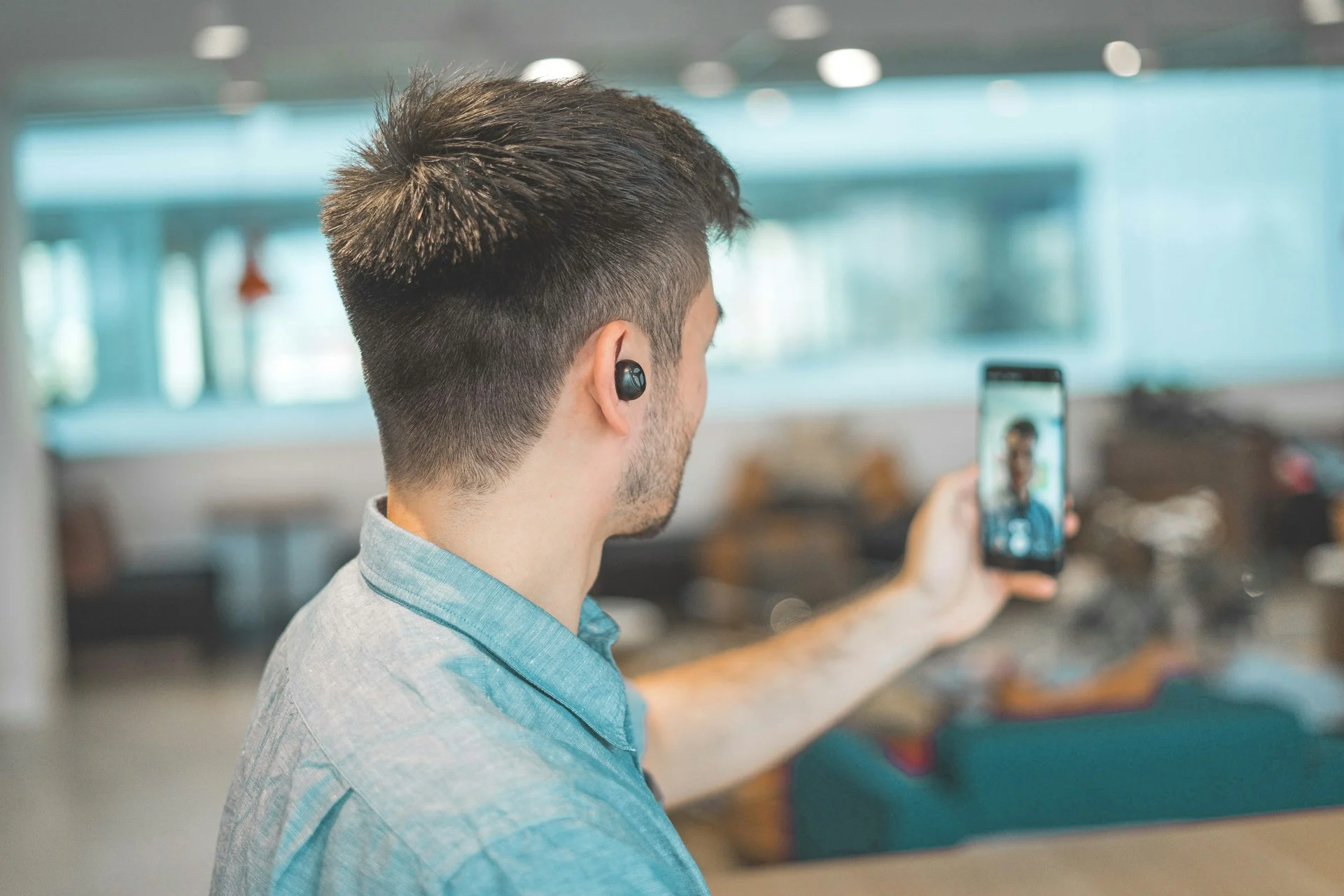
Verify your customers' identity during remote onboarding processes. We compare their face with the photo on their ID document and, through liveness detection, confirm that there is a real person in front of the camera.
DNI
Comparison with ID document
Live
Liveness detection
API
API integration
With Aviva Face ID, you verify that the person registering remotely is who they claim to be by comparing their face with the photo on their ID document.
When someone registers without visiting an office, your company needs to know they are who they say they are and not someone using their data. Facial biometrics helps to verify this and prevent identity theft.
How Face ID works
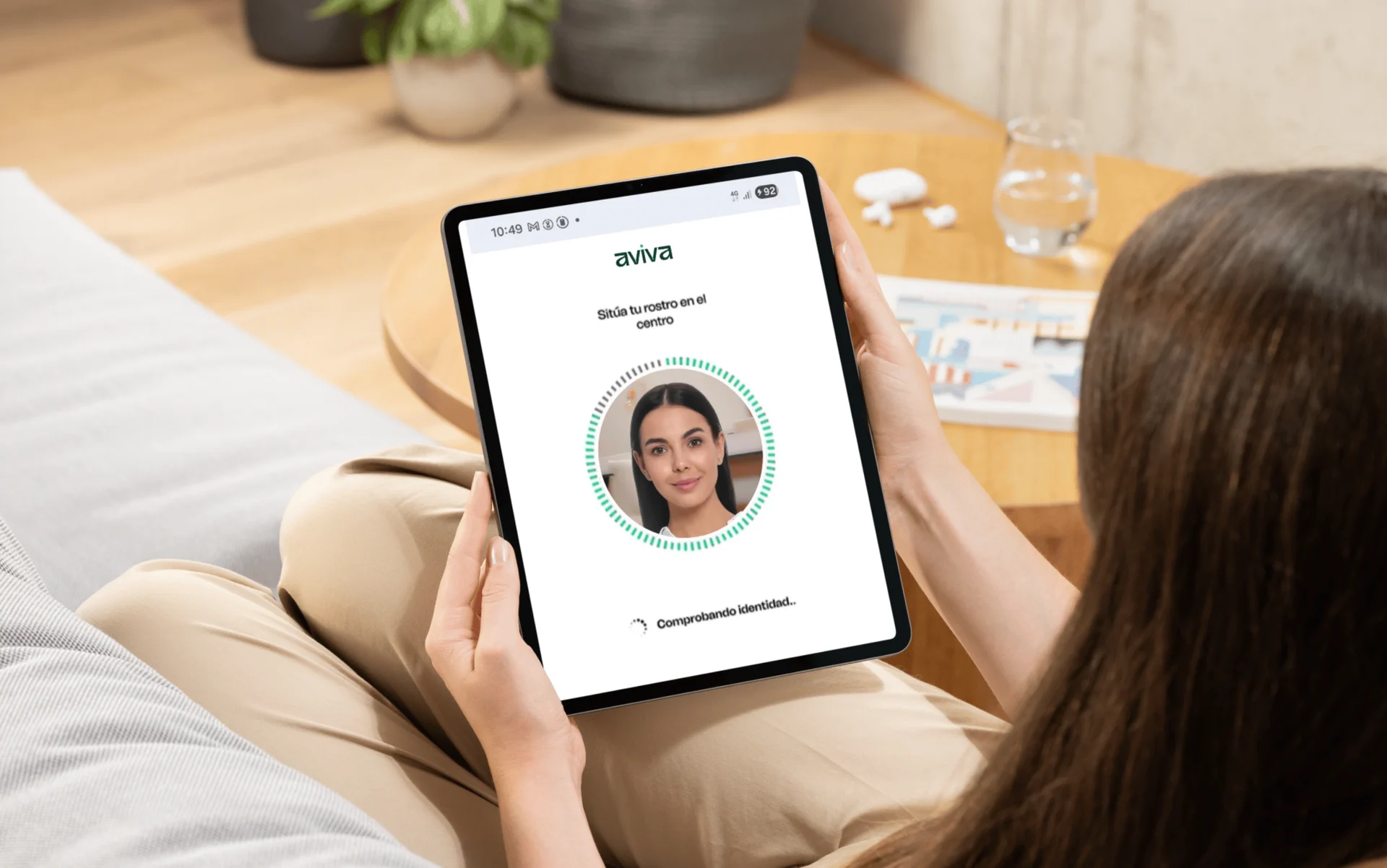
Your customer stands in front of their mobile or computer camera, and we compare their face with the ID document they have just photographed. They do not need to travel or install anything.
Liveness detection (a liveness check) confirms that there is a real person in front of the camera and not a photo, a screen or a recorded video. This is what makes the facial comparison truly effective for identification.
The verification is automatic. If your business requires a person to review it, we can add this when you sign up for the service.
Your customer photographs their ID card or another official document.
They stand before the camera, and we compare their face with the photo on the document.
Liveness detection confirms it is a real person, and the result is sent to your system.
Step by step
Facial biometrics and document reading

OCR and Face ID work together in the same process. The ID OCR reads the data from the document, and Face ID verifies that the person presenting it is the holder.
Integration into your customer onboarding

Your team connects Face ID via API to your CRM, ERP, or another platform, and we do not charge for the integration. You can find more details in remote identity verification.
Face ID is one of the steps in digital customer onboarding, which also includes signing and document collection.
Facial recognition FAQs

Let's review your identity controls
Tell us about your remote onboarding processes and what you need to verify for each customer. We will propose how Face ID fits into your registration process and how it connects with your tools.