
Bulk email for businesses with a delivery log

Send your emails from Aviva Mobile or connect them with your business management systems. Deliver information to your customers and check the delivery log per recipient.
API
API integration
Team
Technical onboarding and support
27001
ISO/IEC 27001:2022
With Aviva's bulk email service, confirmations, appointments and notifications are sent by email from Aviva Mobile or directly from the system where you manage your service.
If your team has to prepare each dispatch separately, communication becomes disconnected from the process that generates it. With Aviva Mobile, you can prepare emails using the template builder or your own HTML, or connect your applications with our messaging service. In both cases, you can check dispatch results without turning each notification into a standalone task.
How email dispatch connects

Email can be part of a communication workflow that also uses SMS, WhatsApp or RCS. The choice depends on the message, the process and your organisation's requirements.
Bookings, appointments and other operational communications must be dispatched from the system where the service is managed.
We work with you to assess how email fits in and what alternative should be considered if a message fails to reach its destination.
Define the communication and recipients in Aviva Mobile—using the template builder or your own HTML—or directly from the system managing the process.
If you launch it from your own system, connect your CRM, ERP or third-party application to our platform via API.
Review the message delivery log to track the outcome of each communication.
Step by step
What the delivery log reveals
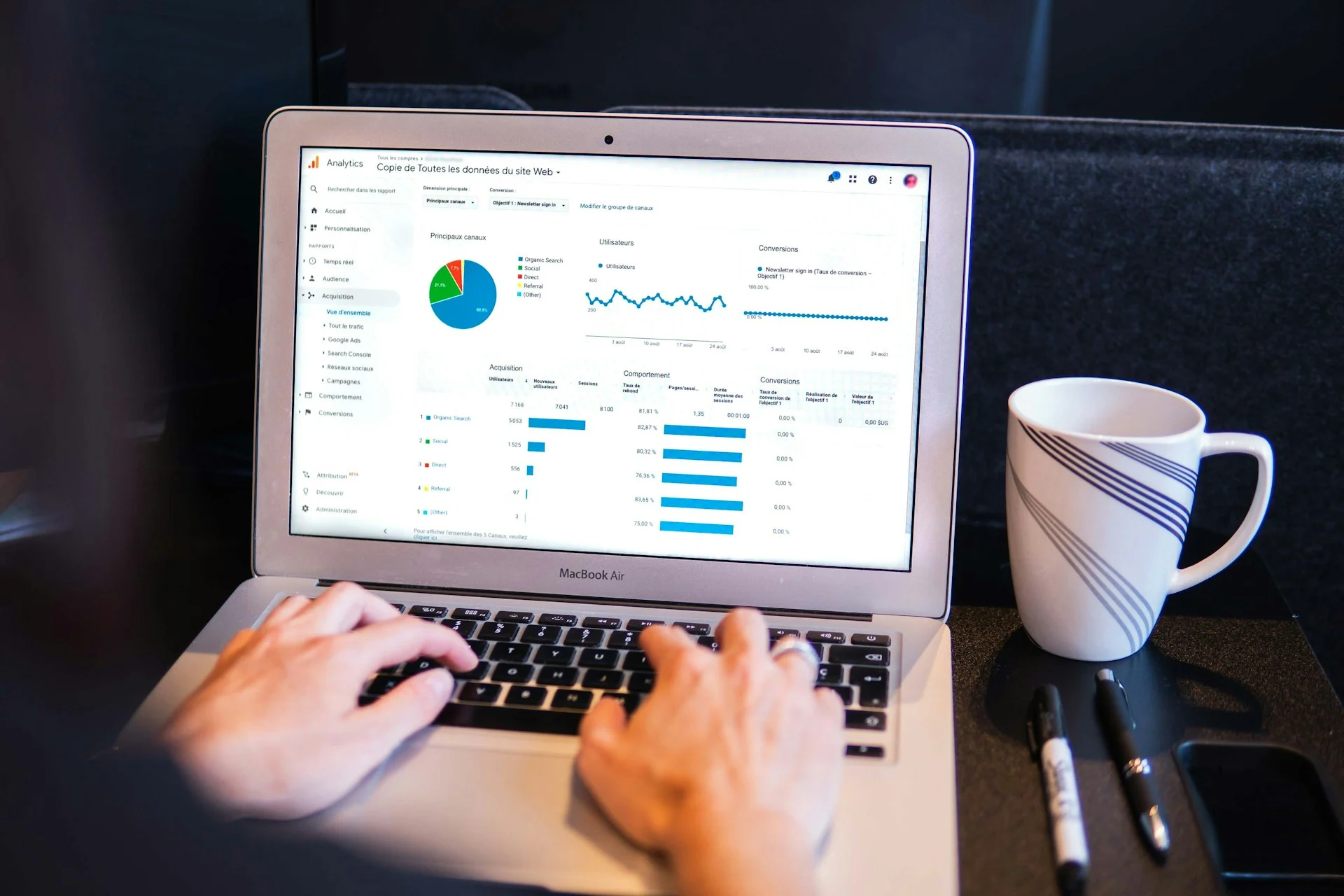
From Aviva Mobile or from your own system, see what happened to every email, recipient by recipient.
If the email needs to serve as proof of content and delivery, use certified email.
Send from Aviva Mobile or integrate via API
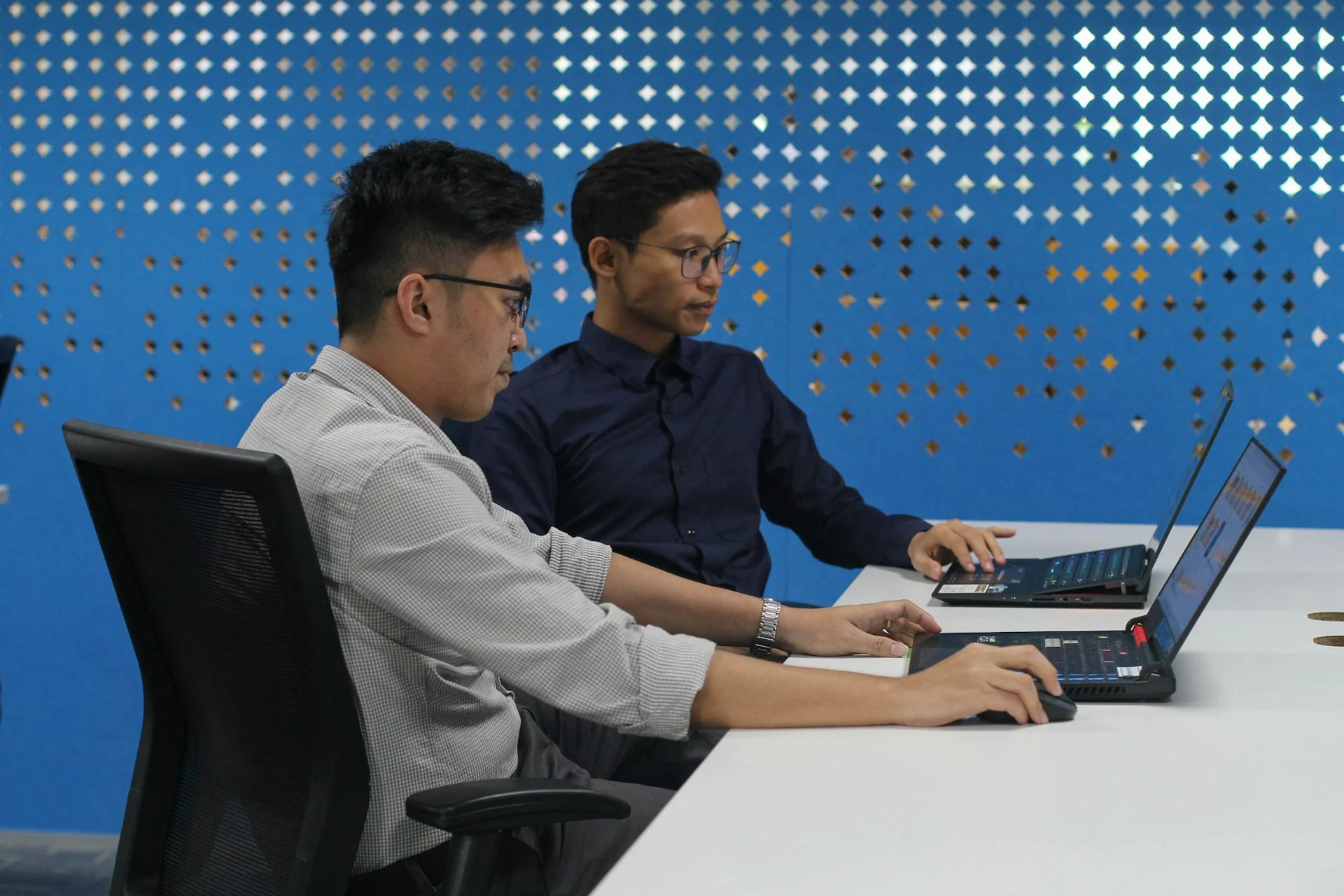
You can send your emails from Aviva Mobile, our own platform, using the template builder or your own HTML. If you prefer to send them from your systems, your team can connect our platform to your CRM, ERP or existing tools at no integration cost. We work alongside them to define the requirements and have everything ready before launch.
Frequently asked questions about bulk email
Let us discuss your email dispatches
Tell us what information your customers receive and which application manages it. Together, we will review the best sending method—via Aviva Mobile or an integrated setup—and how it connects with your company's other communication channels.